Keyclasp Keeps Tokens Out of Prompts
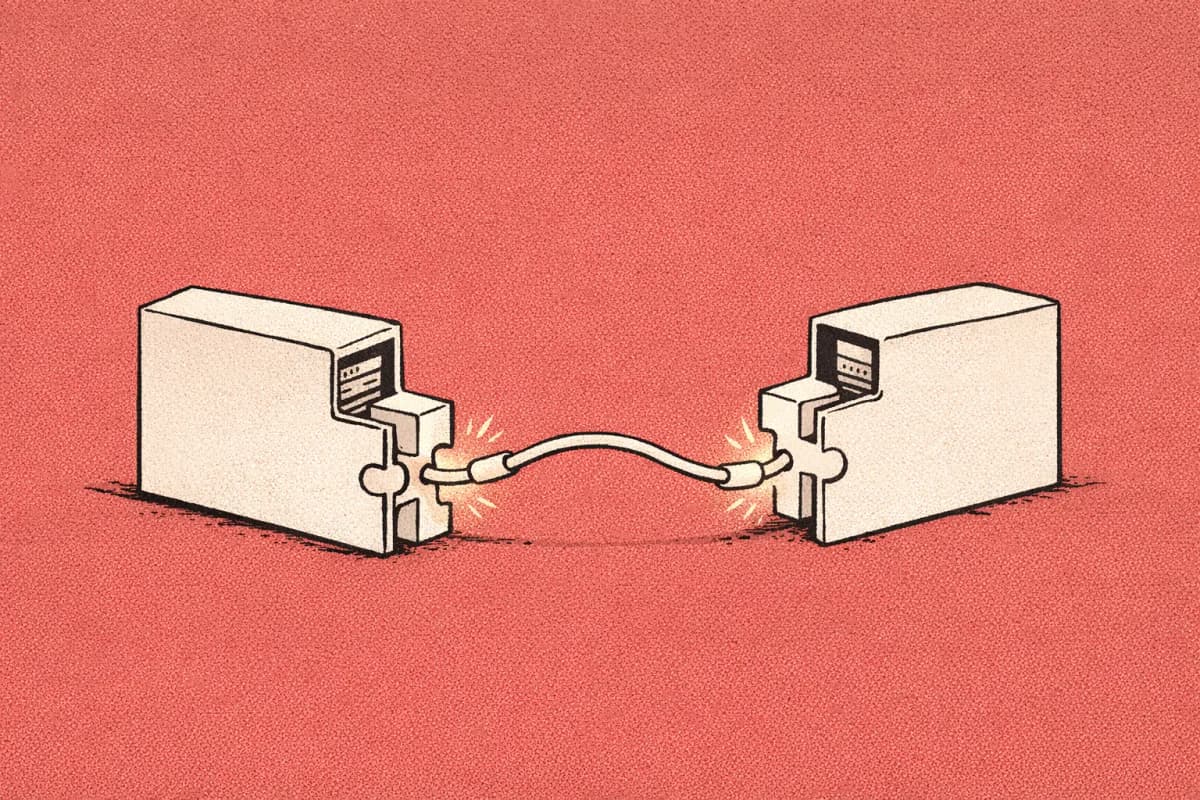
keyclasp is Andrea Catalucci’s open-source CLI project for giving local coding agents access to credentials without pasting those credentials into prompts. The agent needs to run a real command, but the token should not become chat history, terminal output, or a copied file. The useful idea is small and sharp: let the agent refer to secret names, then inject the real values only when a trusted command runs. Keyclasp is not a sandbox, and that honesty is the most important part of the project.
Understand what Keyclasp actually does
Keyclasp stores credentials in a local encrypted vault and injects selected values into commands that a coding agent runs. The agent works with names like GITHUB_TOKEN or STRIPE_TEST_KEY, not with the raw value.
That design removes the awkward loop many developers hit with coding agents. Either the agent prints a command and the human runs it with credentials, or the human lets the agent run the command and then watches secrets show up in output, logs, or pasted context.
A concrete example: a Cursor user asks an agent to reproduce a failing integration test that calls a staging API. With Keyclasp, the agent can propose a command that refers to the staging token by name. The real token is injected at runtime into that child process, instead of being copied into the prompt or .env file.
Don't treat this as secret isolation. The Keyclasp README is direct about the boundary: the child process receives the actual credential and can send it over the network, write it to disk, or pass it onward. Keyclasp catches some accidental output leaks, but it does not sandbox the child process or protect against every process running as the same OS user.
Rolling this out in your team?
We train engineering teams on their own codebase in two days. Cursor setup, shared rules and review included.
See why the Hacker News thread noticed it
This is not a theoretical policy problem. It is a daily paper cut. Tokens end up in agent transcripts, debug prints, shell history, pasted stack traces, and temporary files.
The project also lands in a funny middle ground. It is not a heavyweight enterprise secrets platform. It is closer to a local wrapper that makes one repeated workflow less dangerous: “agent, run this command, but do not ever see the raw secret unless the command truly needs it.”
That matters for Cursor because Cursor Agent can operate inside a real repo and run terminal workflows. The more useful the agent becomes, the more often it bumps into authenticated CLIs, private package registries, staging APIs, and internal scripts.
The objection is fair too. If you let an agent run an untrusted command with a token, the token is exposed to that command. Keyclasp reduces prompt and output leakage; it does not turn arbitrary commands into safe commands.
Put the boundary in the repo
The best place to use a project like Keyclasp is at a clear command boundary. A good boundary says which commands may receive secrets, which secret names are allowed, and what output should be reviewed before it gets pasted back into chat.
In a Cursor repo, that boundary can live in a small rule file rather than in a one-off prompt. For example:
---
description: Secret-handling boundary for agent-run commands
alwaysApply: true
---

Agents must not ask users to paste API keys, access tokens, private keys, or .env contents into chat.

For commands that need credentials:
- Use named secrets only.
- Prefer test or staging credentials.
- Run only documented package scripts or reviewed shell commands.
- Do not print environment variables.
- Do not redirect command output to files unless the user approves the path.

Before running a secret-backed command, explain:
1. the command,
2. the secret name it needs,
3. why the command needs network access,
4. what output is expected.
This rule does not make secrets safe by itself. It makes the review point visible. That is the difference between “the agent probably knows what I mean” and “the repo has a named place where this risk is handled.”
Don't add broad language like “never leak secrets” and stopping there. Agents need operational rules they can follow: allowed command shapes, allowed secret names, and the moment they must ask before continuing.
Compare it with MCP without mixing the jobs
Keyclasp and the Model Context Protocol solve different parts of the agent workflow. MCP is an integration protocol for connecting agents to tools and external systems; Keyclasp is a local runtime secret-injection wrapper for commands.
That distinction matters. If an MCP server exposes GitHub, Jira, or an internal database, the safest pattern is often to keep the server’s permission model narrow: read-only first, scoped resources, explicit tool names, and auditable calls. If a local CLI command needs a token, Keyclasp’s pattern is about not putting that token into the agent’s context in the first place.
A practical Cursor workflow might use both. The agent reads issue context through an MCP server, edits code in the repo, then runs a reviewed command that needs a staging token through a runtime secret boundary. The point is not to collect tools. The point is to avoid moving secrets into the least reviewable place: natural-language context.
Don't assume every integration needs the same protection. A read-only docs server, a deployment CLI, and a production database shell do not deserve the same permission level. Treat the credential path and the tool path as separate design choices.
Try Keyclasp safely on a small workflow
Keyclasp is a fit when you already trust the command shape but dislike where the credential is traveling. It is overkill when the task can run with fixtures, mocked services, or a disposable test token.
As of September 2026, the repository describes Keyclasp as a beta targeting coding agents on local developer machines. The README lists Node.js 24 or 26 on macOS arm64 or glibc Linux arm64/x64, and says Windows, Intel Macs, and Alpine/musl Linux are unsupported.
Use this small checklist before trying it with anything important:
- Start with a dummy credential and a temporary vault.
- Use a test or staging token, not production.
- Pick one boring command, such as a package script that calls a staging API.
- Confirm the command does not print env vars, write debug dumps, or run arbitrary shell from remote input.
- Ask the agent to explain the exact command before it runs.
- Review stdout and stderr before copying anything back into chat.
- Rotate the token if it appears in output, files, shell history, or agent context.
- Stop if the command needs broad filesystem access and network access at the same time.
For a deeper adjacent pattern, MaskShift: Zero-Dependency Coding Agent Harness is worth comparing because it treats the agent execution boundary as the interesting object. Keyclasp is narrower. That narrowness is why it is easy to understand.
If you are mapping this into a wider practice, keep it under agentic coding governance as a secrets boundary example, not as a general answer to agent safety.
Common questions
Is this enough for production credentials?
Not by itself. Production credentials need tighter controls than prompt avoidance: scoped tokens, audit trails, rotation, least privilege, and usually a separate secrets system. Keyclasp is most convincing as a local developer workflow improvement, not as a complete production secret-management layer.
Further reading
Next step
Try the pattern with a dummy token and one harmless command. If the boundary still feels vague, write the Cursor rule first and make the command earn the credential.
Train your team on Cursor
Two days on your team's own repository, onsite or remote, with a written proposal before you commit.
Book a callPrefer to measure first? Take the free team check.