What Multi‑Agent Orchestration Changes for Teams Shipping With Coding Agents
A practical look at how to use a strong "manager" model to coordinate specialized coding agents, what this changes for engineering teams, and how to implement it without breaking your delivery process.
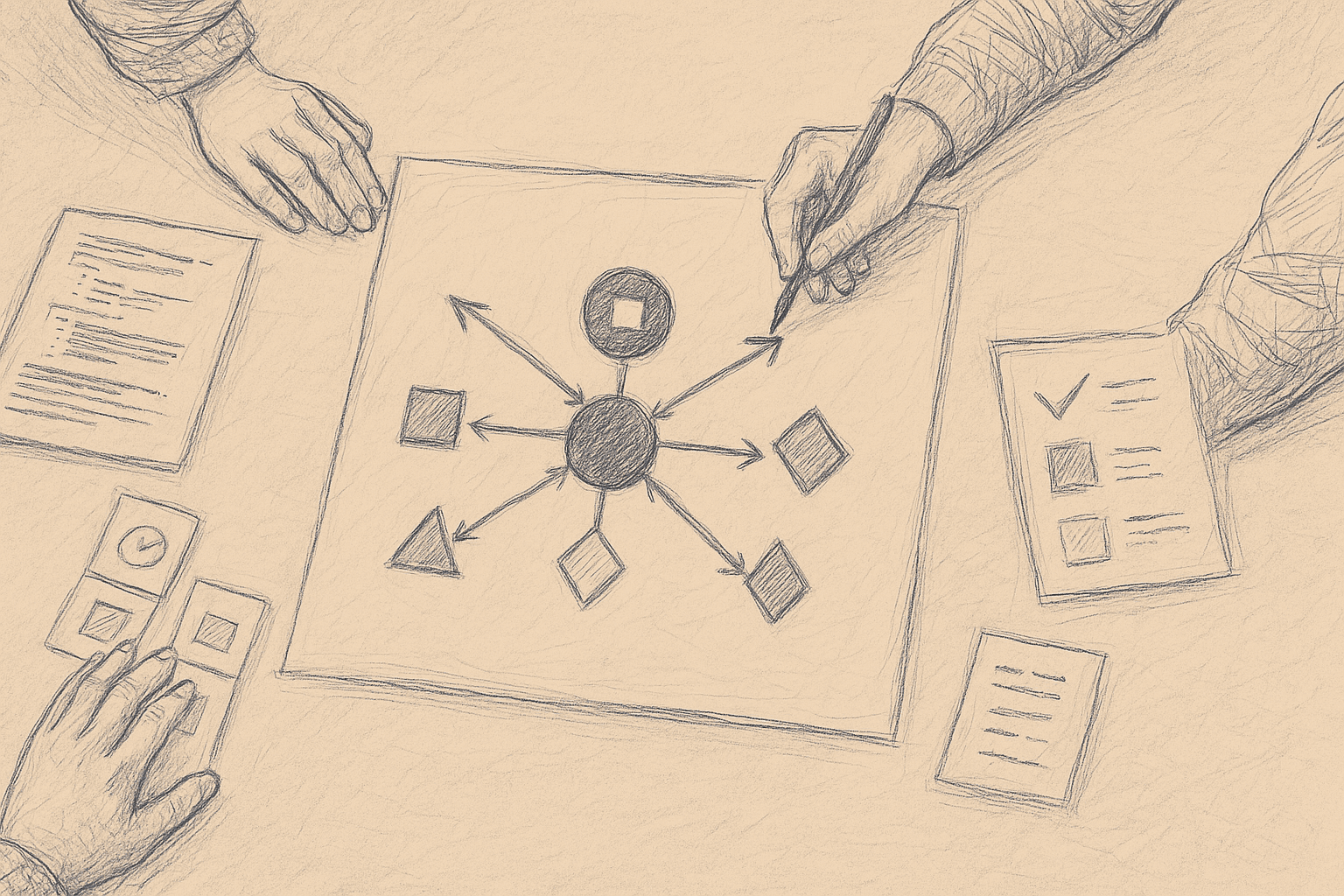
Multi‑agent orchestration is now showing up in day‑to‑day engineering work, not just demos.
The core idea here:
Use a reasoning‑heavy manager model ("Opus 4.6" in the source signal) to coordinate a set of cheaper, specialized coding agents ("Codex 5.3"), instead of relying on a single all‑purpose coding assistant.
The names are placeholders; the pattern is what matters.
This article focuses on:
- What orchestration changes in a team’s workflow
- When a manager‑agent + worker‑agents setup is worth the complexity
- Concrete implementation patterns you can try today
- Failure modes, costs, and how to keep this usable in a real team
No benchmarks here, and no claims about specific model versions. Uncertain or anecdotal points are labeled as such.
1. From Single Agent to Orchestrated Agents
Most teams start with a single coding agent:
- You prompt it in an IDE or chat
- It edits files or proposes diffs
- You review and integrate
This works, but it hits limits:
- Context ceiling: one agent can only hold so much repo + task context in its prompt or memory.
- Task switching: the agent jumps between refactors, tests, docs, and debugging in one long conversation and often loses track.
- Lack of structure: there’s no explicit plan and no separation between “decide what to do” and “do it.”
Multi‑agent orchestration separates these concerns:
-
Orchestrator (manager model)
- Reads the task and repo context
- Breaks work into steps
- Chooses which specialized agent to call
- Checks results and decides next steps
-
Worker agents (specialized models)
- Implement code changes
- Write or update tests
- Run tools (linters, type checkers, test runners)
- Perform targeted analysis (for example, dependency mapping)
You can think of it as:
One senior engineer coordinating several fast but narrow juniors.
2. What This Changes for Engineering Teams
2.1. How work is specified
With a single agent, prompts are often informal:
"Add pagination to the /users endpoint and update the UI."
With orchestration, the manager needs more structure:
- Clear goal
- Constraints (tech stack, performance, security)
- Interfaces that must not break
- Acceptance criteria (tests, metrics, manual checks)
Teams that get value from orchestration usually:
- Move from chatty prompts to task specs (short, structured descriptions)
- Reuse templates for common work types (feature, bugfix, refactor, migration)
Tickets and PR descriptions become inputs to agents, not just documentation for humans.
2.2. How code is produced
Single agent:
- One large change, often touching many files
- Harder to see how it got there
Orchestrated agents:
- Multiple smaller steps, each with a clear intent
- Manager can ask workers to:
- First map relevant files
- Then propose a plan
- Then implement in stages
- Then add tests
If you design the workflow this way, diffs can become more structured and easier to review.
2.3. How humans review and integrate
Orchestration doesn’t remove review; it changes what you review:
- You review plans and subtasks as well as code
- You may inspect agent logs when something looks off
- You may accept or reject individual steps instead of one big PR
Teams often end up with:
- A human gate at the PR level
- Optional human gates at planning or design steps for higher‑risk changes
3. When a Manager + Workers Setup Is Worth It
Multi‑agent orchestration adds complexity.
It tends to be worth exploring when:
-
Tasks are naturally decomposable
- Example: “Add a new API endpoint, update client SDK, and add tests.”
- The manager can split this into backend, client, and test subtasks.
-
You have recurring work types
- Example: “Add a new field to an entity and propagate it through the stack.”
- You can encode a reusable multi‑step workflow.
-
You care about cost or latency
- Use a strong model for planning and checking.
- Use cheaper models for bulk code edits and test writing.
-
Your repo is large
- A single agent may struggle to hold enough context.
- Specialized agents can work on slices of the codebase.
It is usually not worth it for:
- Tiny, one‑off edits (for example, “rename this variable”)
- Highly ambiguous tasks without clear goals
- Situations without stable tests or CI (the manager has little to anchor on)
4. A Concrete Orchestration Pattern
Below is a generic pattern you can adapt. Model names are placeholders.
4.1. Roles
-
Manager (Opus‑class model)
- Strong reasoning, higher cost
- Limited calls per task
-
Workers (Codex‑class models)
- Cheaper, tuned for code
- Many calls per task
-
Tools
- Repo search
- File read/write
- Test runner
- Linter / formatter
4.2. High‑level workflow
-
Task intake
- Input: ticket, PR description, or natural language request
- Manager reads it and the relevant repo context
-
Planning
- Manager produces a short, explicit plan:
- Steps
- Files or modules likely involved
- Tests to add or update
- Manager produces a short, explicit plan:
-
Execution loop
- For each step:
- Manager selects a worker type (for example, “code‑edit worker”, “test‑writer worker”).
- Manager calls worker with:
- Step description
- Relevant files (via tools)
- Constraints (style, performance, security)
- Worker proposes changes (patches or code blocks).
- Manager applies changes via tools and optionally runs tests.
- Manager evaluates results and decides next step.
- For each step:
-
Validation
- Manager runs tests and static checks.
- Manager summarizes:
- What changed
- Why
- Any failing tests or warnings
-
Handoff to human
- Output: PR with structured summary and plan‑vs‑actual
- Human reviews and merges or sends feedback
5. Practical Implementation Steps
Below is a minimal path to try this pattern without rebuilding your stack.
5.1. Start with a single orchestrated workflow
Pick one workflow that is:
- Common
- Bounded
- Easy to validate with tests
Examples:
- “Add a new REST endpoint with tests.”
- “Add a new field to an existing entity and propagate it.”
- “Refactor a small module and keep tests passing.”
Define a simple state machine for that workflow:
- Analyze requirements
- Locate relevant code
- Propose plan
- Implement changes
- Add/update tests
- Run tests
- Summarize and open PR
Implement this as a script or service that:
- Calls a strong model for steps 1–3 and 7
- Calls a coding model for steps 4–5
- Uses your existing tooling for step 6
5.2. Represent plans and steps as data
Avoid free‑form text for everything. Use simple JSON‑like structures.
Example plan representation (conceptual):
{
  "goal": "Add /users/export endpoint returning CSV.",
  "steps": [
    {
      "id": "design-endpoint",
      "type": "design",
      "description": "Define endpoint signature and response format.",
      "status": "pending"
    },
    {
      "id": "implement-backend",
      "type": "code",
      "description": "Implement controller and service logic.",
      "status": "pending"
    },
    {
      "id": "add-tests",
      "type": "tests",
      "description": "Add unit and integration tests.",
      "status": "pending"
    }
  ]
}
The manager model can be prompted to fill or update this structure, not just write prose. This makes it easier to:
- Log and debug
- Add human approvals
- Retry specific steps
5.3. Define worker capabilities explicitly
For each worker agent, define:
- Inputs: what data and context it receives
- Outputs: expected shape (for example, unified diff, code block with file path)
- Constraints: style, language, frameworks
Example: code‑edit worker contract (conceptual):
{
  "input": {
    "task": "Implement controller logic for /users/export.",
    "files": ["controllers/users_controller.rb", "services/user_exporter.rb"],
    "constraints": ["do not change authentication logic", "reuse existing CSV helper"]
  },
  "output": {
    "patches": [
      {
        "file": "controllers/users_controller.rb",
        "diff": "..."
      }
    ]
  }
}
Even if you don’t enforce this strictly in code, writing it down clarifies what each agent is responsible for.
5.4. Integrate with your existing CI/CD
Keep your current safety rails.
Minimal integration path:
- Agents create branches and PRs, not direct pushes to main
- CI runs on agent‑generated PRs as usual
- Humans review and merge
If you want more control:
- Tag agent PRs for easier filtering
- Require at least one human approval for any agent PR
- Optionally restrict which repos or directories agents can modify
5.5. Instrument and log everything
Multi‑agent systems are harder to debug than single agents.
At minimum, log:
- Manager prompts and responses
- Worker prompts and responses
- Tool calls (file reads/writes, tests run)
- Plan state transitions (step started, completed, failed)
This lets you:
- Inspect why a plan went wrong
- Identify recurring failure patterns
- Tune prompts and workflows based on real data
6. Tradeoffs and Limitations
6.1. Complexity vs. benefit
Cost:
- More components (manager, multiple workers, tools)
- More prompts to maintain
- More failure modes (coordination bugs, partial updates)
Benefit (when it works):
- Better structure for non‑trivial tasks
- Potential cost savings by using cheaper workers
- More explainable changes (plans, step logs)
For small teams or simple tasks, the overhead may outweigh the gains.
6.2. Reliability and error handling
Multi‑agent orchestration introduces new failure modes:
- Manager mis‑plans (wrong decomposition, wrong files)
- Worker mis‑edits (breaks invariants, misuses APIs)
- Tools fail (tests flaky, environment issues)
Mitigations:
- Keep tasks small and scoped
- Use tests as a hard constraint where possible
- Add simple guardrails:
- Limit which files can be edited per task
- Require tests to pass before PR creation
- Cap the number of steps or iterations per task
Even with these, you should assume:
- Agents will sometimes produce incorrect or low‑quality code
- Human review remains essential
6.3. Cost and latency
Using a strong manager model is more expensive per call.
Patterns teams often explore (anecdotally):
- Use the strong model only for planning and final review
- Use cheaper models for most code edits and test writing
- Cache analysis results (for example, file maps) across tasks
Whether this is cheaper overall depends on:
- Your task mix
- How often you reuse plans or patterns
- How many iterations the manager needs per task
There is no general guarantee of large improvements. You need to measure for your workload.
6.4. Organizational fit
Multi‑agent orchestration assumes:
- You can express work in a structured way
- You have at least some automated tests
- You’re willing to adjust your process
If your team works in a very ad‑hoc way, or your codebase has few tests, the manager has little to anchor on. In those cases, a single, interactive coding agent may be more practical.
7. How to Pilot This Safely in a Real Team
A practical rollout path:
-
Pick one repo and one workflow
- Prefer a service with good tests and clear boundaries
-
Define success metrics (even if rough)
- Examples:
- Time from ticket creation to PR ready for review
- Number of review comments per PR
- Number of CI failures per PR
- Examples:
-
Run a 2–4 week pilot
- Limit to a small group of engineers
- Keep a manual fallback (humans can take over tasks)
-
Review outcomes
- Where did the manager mis‑plan?
- Which worker tasks failed most often?
- Did PRs become easier or harder to review?
-
Decide how to expand or roll back
- Expand to more workflows if:
- Review burden is acceptable
- CI failures are manageable
- Roll back or simplify if:
- Debugging agent behavior takes too long
- Engineers avoid using the system
- Expand to more workflows if:
8. Where This Is Still Unclear
There are open questions without strong, general answers yet:
- Optimal number of agents: How many specialized workers is too many before coordination overhead dominates?
- Best granularity of tasks: How small steps should be for the manager to stay effective without exploding latency?
- Long‑term maintainability: How often you need to update prompts and workflows as your codebase changes?
Current practice is mostly empirical: teams try configurations, measure, and iterate. There is no widely accepted “best” architecture.
9. Summary
Multi‑agent orchestration changes how teams work with coding agents by:
- Separating planning from execution
- Letting a strong manager model coordinate cheaper, specialized workers
- Turning tickets into structured workflows instead of one‑shot prompts
It adds real complexity and does not remove the need for human review. It is most useful when:
- Tasks are decomposable and repeatable
- You have tests and CI to anchor correctness
- You are willing to invest in workflow design and logging
If you want to experiment, start small:
- One repo
- One workflow
- One manager + one or two workers
Measure outcomes, keep humans in the loop, and treat orchestration as another part of your engineering process, not a shortcut that solves everything on its own.
Want to learn more about Cursor?
We offer enterprise training and workshops to help your team become more productive with AI-assisted development.
Contact Us